
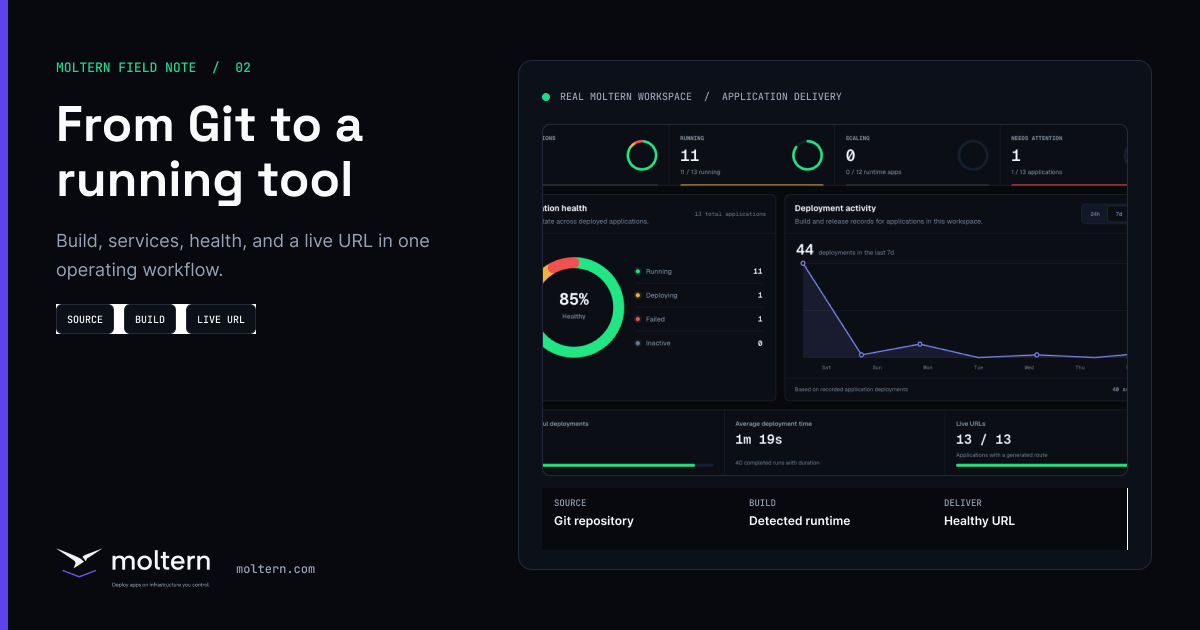
Deploying an application is rarely just a build command. A real app needs an environment, variables, storage decisions, a domain, logs, health status, and often one or more supporting services. Moltern is designed to keep that whole workflow visible in one workspace.
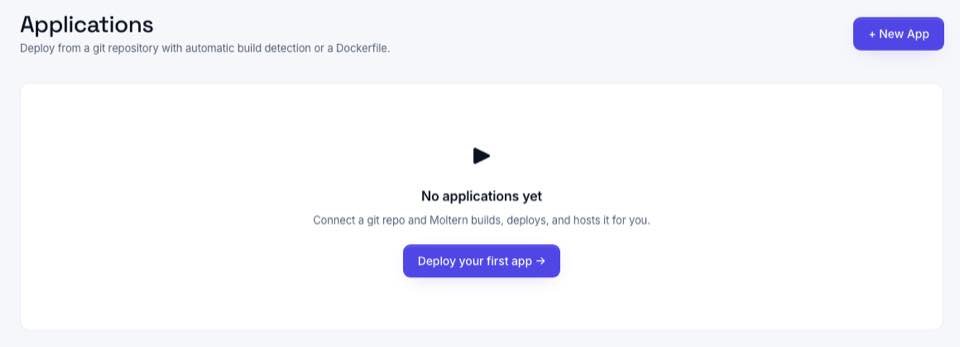
The Moltern app workflow
A common first deployment follows a straightforward path:
- Create or choose the workspace.
- Create an environment such as production or staging.
- Create an application and connect the Git repository.
- Choose build and runtime settings.
- Add variables and secrets.
- Deploy and watch logs.
- Attach a domain when the app is ready.
- Add catalog services such as PostgreSQL, Redis, or a monitoring tool.
This is different from splitting work across a repository host, a cloud console, a database dashboard, a DNS checklist, and a spreadsheet of owners. Moltern keeps the deployment workflow close to the service workflow.
What Moltern tracks after deploy
| Area | Why it matters | Where Moltern helps |
|---|---|---|
| Status | Teams need to know whether a workload is pending, running, sleeping, stopped, failed, or upgrading. | The dashboard and workload pages show status directly. |
| Logs | Deployment issues are easier to fix when logs are available next to the workload. | Moltern keeps deployment and live logs part of the app workflow. |
| Domains | Public apps and services need clear routing and verification. | Moltern exposes domain and route settings in the product UI. |
| Variables | Secrets and runtime configuration should not be committed to source code. | Variables and secrets are managed as workload configuration. |
| Usage | Workloads consume CPU, memory, and storage. | Billing and usage views help teams understand plan limits and guardrails. |
Apps and services belong together
Many deployment tools treat the app as the main object and everything else as external infrastructure. Moltern treats supporting services as deployable workloads too. That is useful when a product team needs to launch an API with PostgreSQL, a worker with Redis, a docs site with a CMS, or an internal tool with a monitoring dashboard.
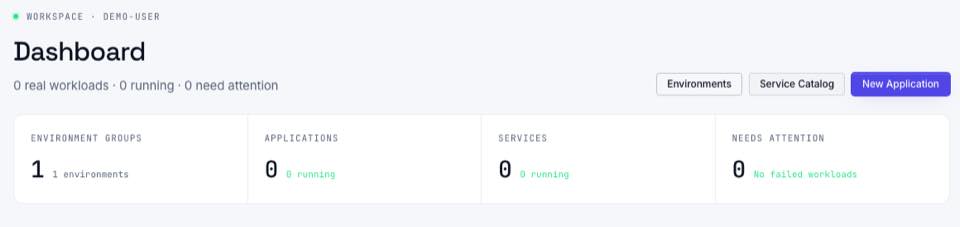
When this matters most
This workflow matters when the same team owns several types of workloads. A startup may have a marketing site, an API, a background worker, PostgreSQL, Redis, Grafana, and an automation service. An internal platform team may manage staging, production, and preview environments for several product squads. A small agency may need repeatable deployment patterns across client projects.
In each case, Moltern reduces the amount of handoff required. Developers can deploy from Git. Operators can inspect status and usage. Business users can understand where services live without reading cluster manifests.
Start with the platform docs at Getting Started, then use the in-app service directory when you are ready to add a database, CMS, automation tool, AI service, or monitoring system.