
Launching a CMS usually means choosing a database, configuring credentials, setting up HTTPS, and waiting until the first installer page is reachable. Moltern turns that into one guided deploy flow.
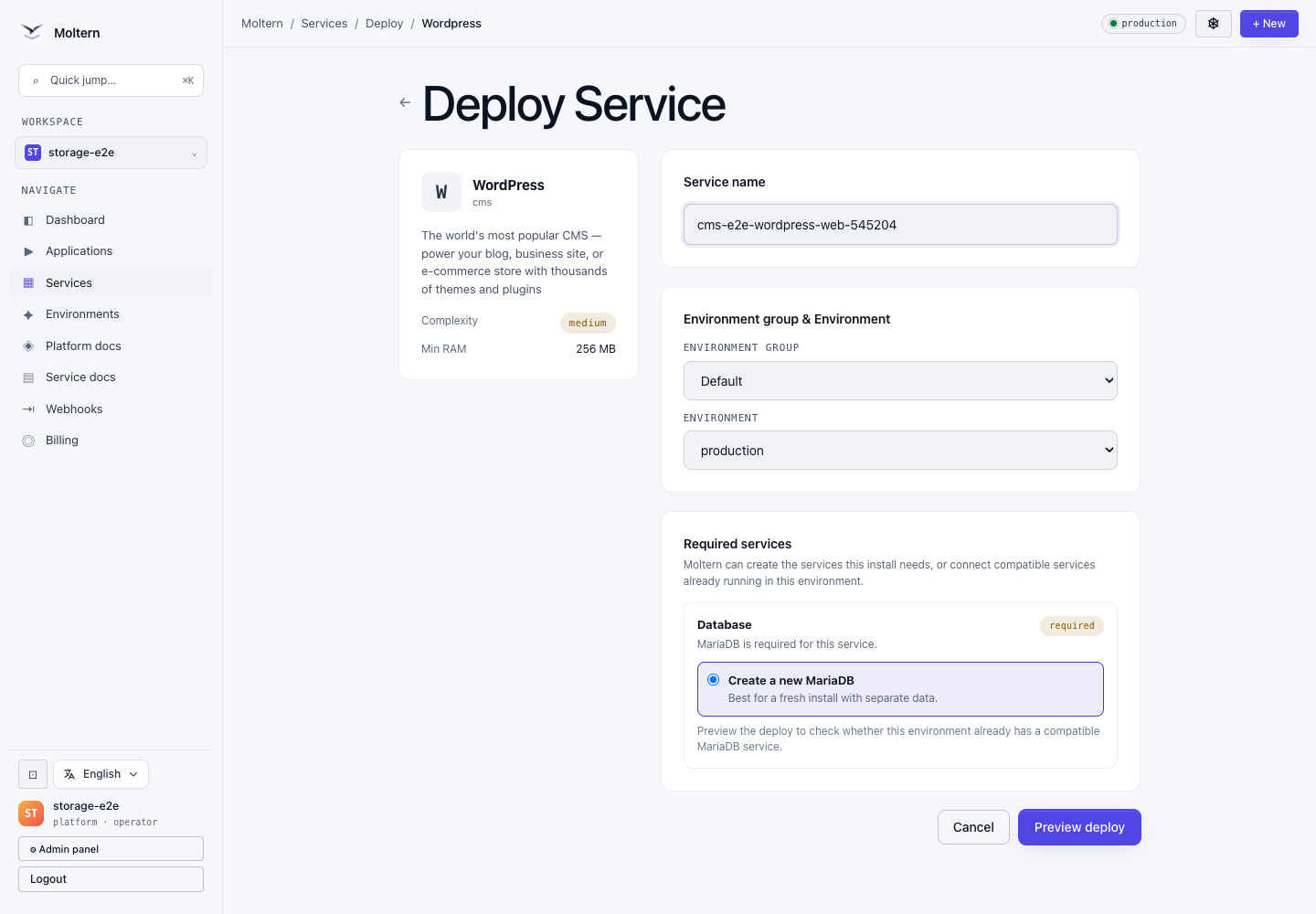
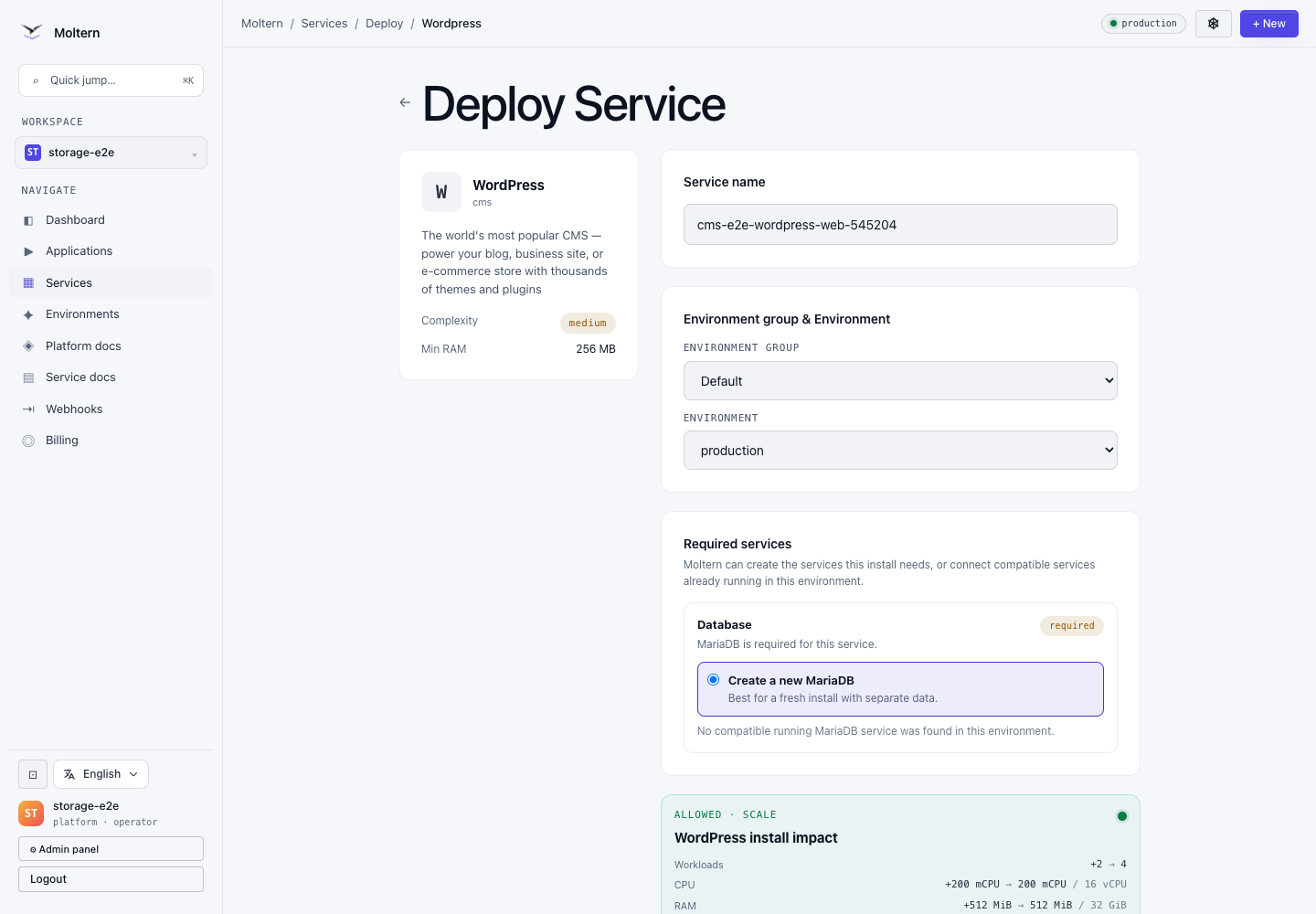
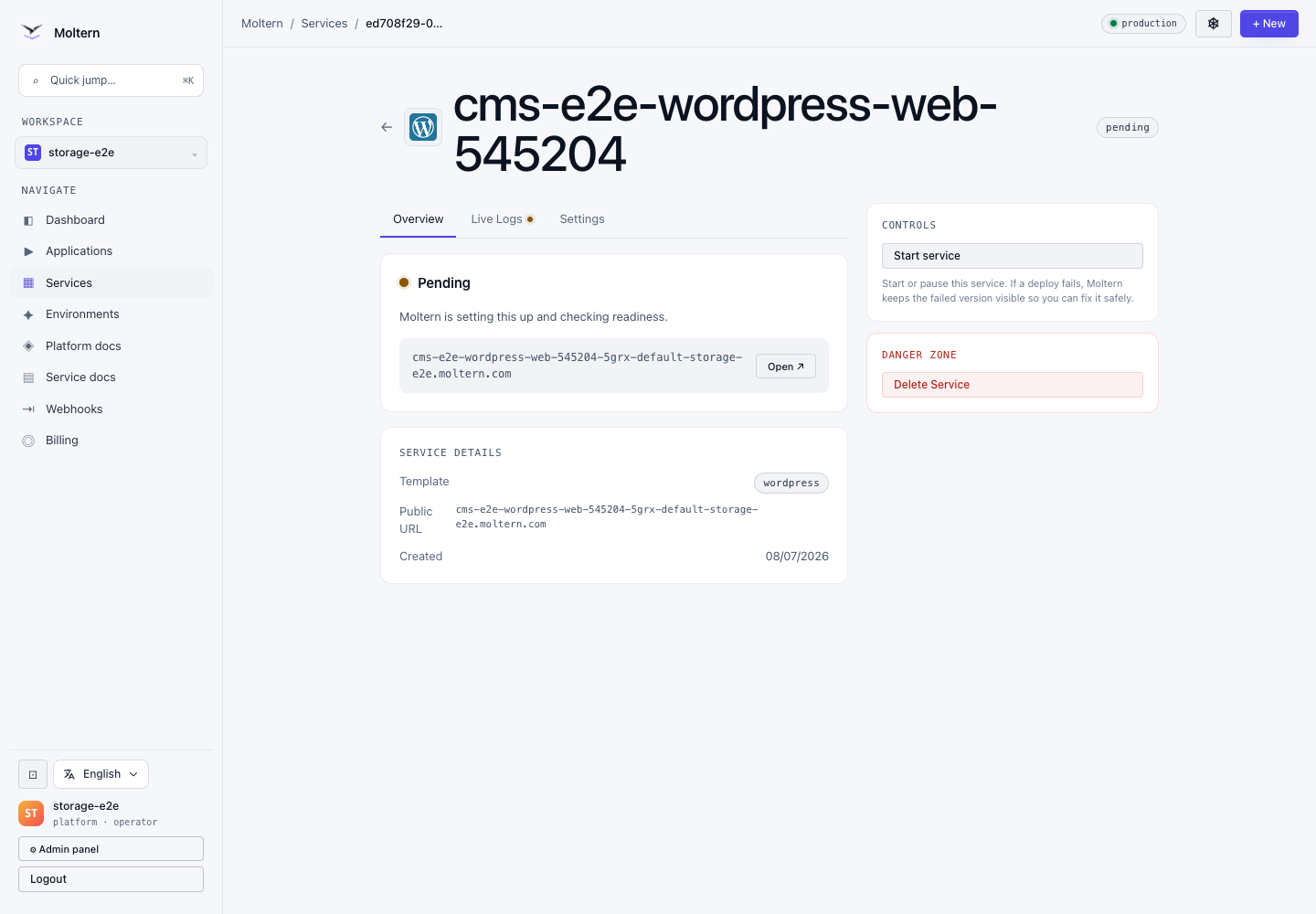
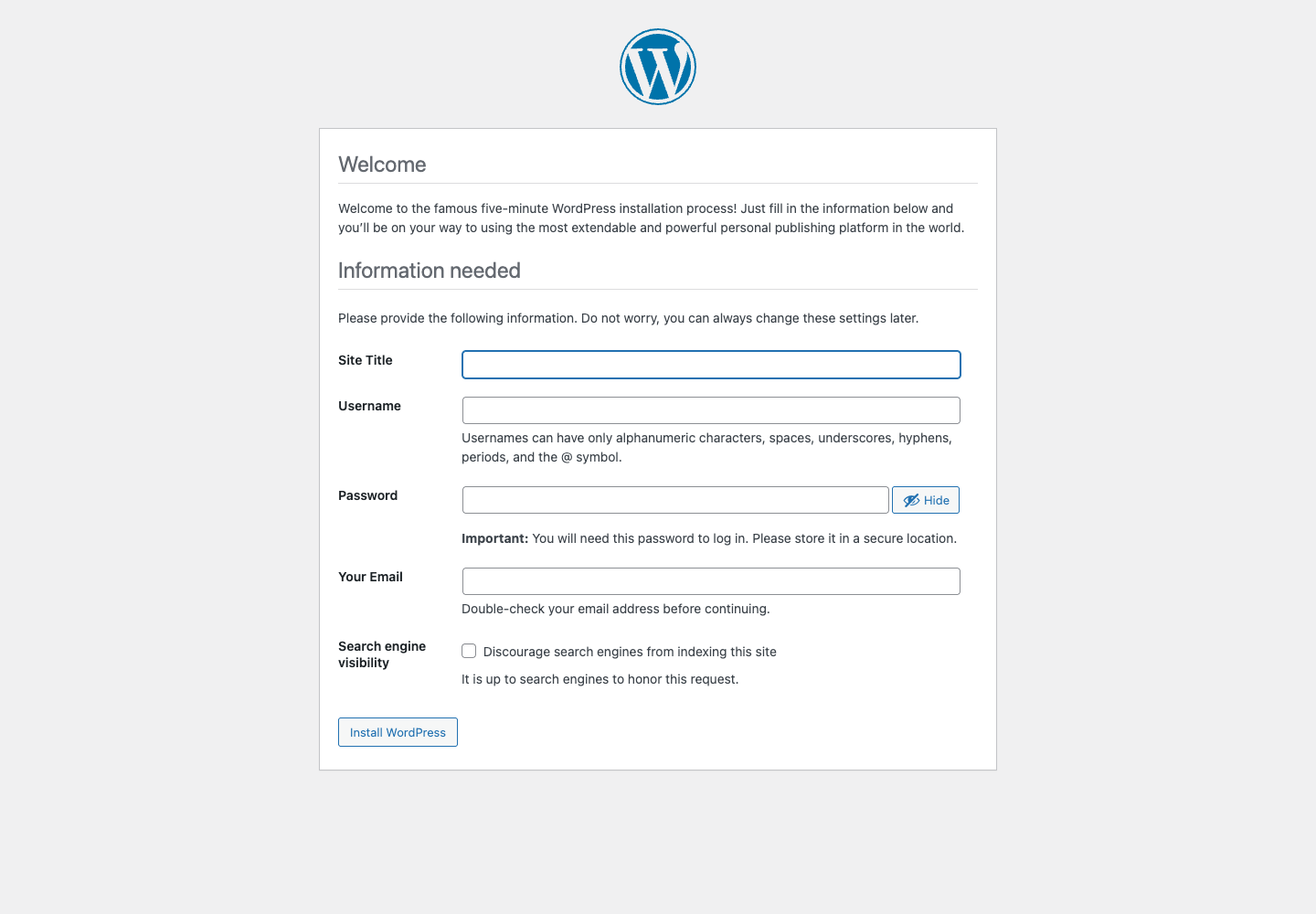
For this walkthrough we deployed WordPress from the Moltern service catalog, reviewed the install impact, let Moltern prepare the required service dependency, and opened the CMS setup screen from the generated URL.
What the flow proves
- The catalog explains required dependencies before installation.
- The deploy preview shows the resource impact before the user confirms.
- The service reaches a real browser page, not only a healthy pod state.
- The screenshots are captured during the same E2E path a user would follow.
Why this matters
For content teams, the first successful page load is the moment a deployment becomes useful. A green infrastructure check is not enough if the CMS installer is unreachable or missing a dependency. Moltern treats the browser-level check as part of the quality bar for catalog services.
This is the direction we want for every service in Moltern: clear choices, predictable deploys, and enough validation to know the application actually opens.
Deploy your CMS on Moltern
Choose a CMS from the catalog, preview the resources it needs, and launch it with managed domains and deployment visibility.