
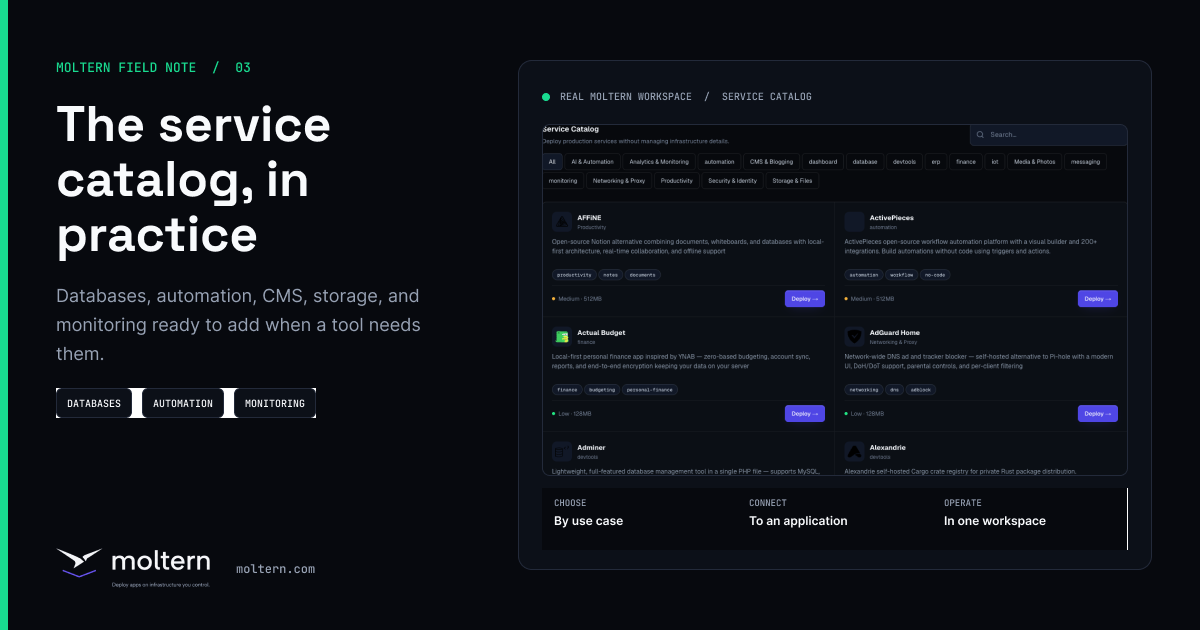
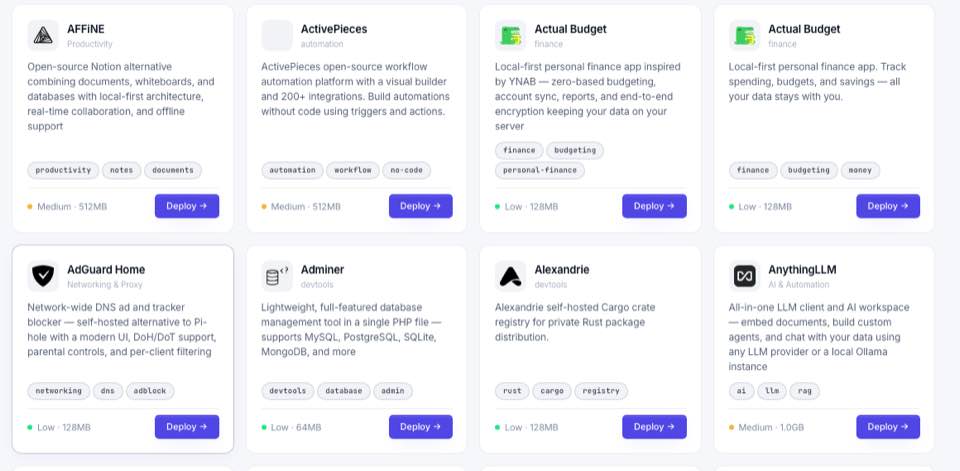
The Moltern service catalog is built for the software your applications depend on: databases, queues, automation tools, Git services, CMS platforms, observability dashboards, AI tools, and internal utilities. Instead of asking each team to hand-roll a deployment, Moltern gives them a guided catalog workflow inside the same workspace as their apps.
Six common service catalog use cases
| Service | Use case | How Moltern helps |
|---|---|---|
| PostgreSQL | Primary relational database for APIs, SaaS products, dashboards, and internal tools. | Deploy it as a managed workspace service with storage, ownership, and environment context. |
| Redis | Cache, queue backend, rate-limit store, or session storage for app workloads. | Keep it close to the app that depends on it and visible as a service workload. |
| n8n | Workflow automation between APIs, internal tools, CRM systems, forms, and notification channels. | Launch it from the catalog and attach a route only when access controls are ready. |
| Gitea | Lightweight self-hosted Git, issue tracking, pull requests, and package workflows. | Deploy it as an internal development service for teams that need a private Git surface. |
| Ghost | Publishing, blog, newsletter, documentation, or content hub. | Run it beside the rest of the product stack without managing chart details by hand. |
| Grafana | Dashboards for metrics, service health, business operations, and observability. | Keep monitoring as a first-class service with ownership and environment context. |
Why a catalog is better than a list of scripts
A service catalog is not just a prettier install command. It gives the platform a source of truth for service names, categories, resource expectations, required credentials, dependencies, and post-deploy guidance. That is how Moltern can present a normal product workflow instead of exposing raw infrastructure to every user.
Moltern's public service directory at moltern.com/docs is service-focused. It helps users understand what a service does, when to use it, and what to check before exposing it publicly. The platform docs at docs.moltern.com explain the broader workflow.
Public or private by default?
Not every service should be public. A database should normally remain private. A CMS, dashboard, identity app, automation UI, or analytics tool may need a public route, but only after authentication and ownership are clear. Moltern's environment and service model makes that decision explicit instead of hiding it inside a deployment script.
Best practice checklist
- Choose the environment before deploying the service.
- Record the owner and purpose.
- Decide whether the service needs a public URL.
- Review storage expectations for stateful services.
- Keep service credentials in variables or generated platform secrets, not in source code.
- Check usage and workload quota after deployment.
That is the core Moltern value: services become understandable product objects, not invisible infrastructure chores.